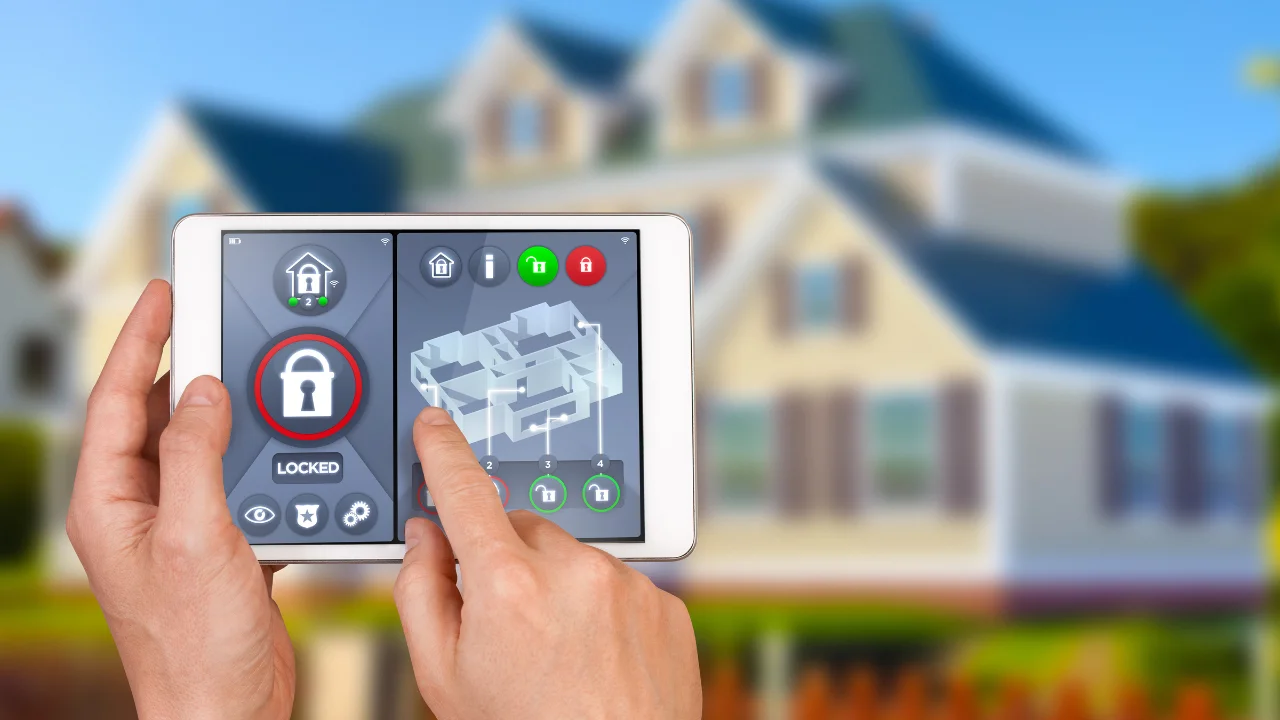
Ever scrolled through Amazon at 11 pm trying to figure out which camera actually works during a power cut, versus which one just looks good in the marketing photos? Same. The smart home security devices market in India has genuinely gotten better in 2026, but it’s also gotten more crowded, and a lot of what gets recommended online is built for American suburbs with reliable WiFi and no load-shedding — not concrete-walled Indian apartments where Jio drops out twice a week. I spent a few weeks actually comparing what’s out there before writing this, and honestly, some of the “top picks” floating around other blogs would be a waste of money for most Indian households. Here’s what’s actually worth your rupees this year, and why.
What Indian Homes Actually Need From Smart Security
Quick answer: Indian homeowners need smart security devices that keep working through power cuts and patchy WiFi, offer local storage as a backup to cloud, and give instant mobile alerts — not the full professional-monitoring setup most Western security guides assume you’ll want.
Most international buying guides assume a stable power grid and a monitoring center that can dispatch police in ten minutes. That’s just not the reality in most Indian cities and towns.
What actually matters here is different: battery backup for outdoor cameras, local SD card or NVR storage as a fallback when the internet drops, and sensors that still trigger an alert even if the camera feed itself buffers out. Keep that in mind as you read the picks below — it’s the filter I used.
Video Doorbells: The Best First Investment
If you’re only adding one smart home security device this year, a video doorbell is genuinely the smartest place to start. It covers your main entry point, which is where most break-in attempts and delivery-related theft actually happen.
A decent 2K video doorbell with local storage runs roughly ₹8,000-₹12,000 in 2026. Look for ones with a built-in battery backup — a doorbell that dies the moment the power goes is not doing its one job.
- Look for night vision with a decent range, not just “night vision” as a marketing checkbox
- Two-way audio matters more than people expect — being able to tell a delivery person to leave a package matters
- Local storage or a hybrid cloud+SD card option avoids monthly subscription traps
I’ve noticed a lot of people skip this and go straight for indoor cameras instead, which honestly gets the priority backwards. Your entrance matters more than your living room.
Indoor and Outdoor Cameras: Local Brands Are Genuinely Competitive Now
This might be an unpopular opinion among people who default to international brands, but Indian and China-adjacent brands like Qubo, CP Plus, and Mi cameras have closed the gap significantly by 2026. You don’t automatically need an imported brand to get solid coverage.
CP Plus, an Indian brand, holds a dominant share of the CCTV and IP camera market for both commercial and residential setups, and its Ezykam line blends consumer-friendly smart features with the more traditional professional CCTV and NVR setup. That installer network across smaller cities is a real advantage if you ever need a professional to help with setup or troubleshooting.
For outdoor units specifically, prioritize an IP65 or higher weatherproofing rating — monsoon season is unforgiving on cheaply sealed housings. Expect to pay ₹2,500-₹6,000 per outdoor camera depending on resolution and brand.
Smart Door Locks: Convenient, But Read the Fine Print
Fingerprint and app-controlled smart locks have become a genuinely popular upgrade, and I get the appeal — no more fumbling for keys with grocery bags in both hands. But they’re not universally the right call for every home.
Quick answer: Smart door locks with fingerprint, passcode, and app access typically cost ₹12,000-₹18,000 installed in India, and work best as an upgrade to your existing deadbolt rather than a full replacement — always keep a physical key backup for when the battery dies or the app misbehaves.
Battery life is the real practical concern here, not the security tech itself. Most units last 6-12 months on a charge, but a dead battery at your own front door at 11 pm is a genuinely bad experience. Get one with a physical keyhole backup, no exceptions.
Picture a small business owner in Jaipur who installed a fingerprint lock on their shop’s back storeroom — convenient for staff rotation without cutting spare keys for everyone, but they still kept a hidden physical key for the one time the app crashed during a firmware update.
[link to related guide about setting up smart door locks here]
Motion and Door/Window Sensors: The Underrated Layer
Cameras get all the attention, but sensors are honestly doing more of the actual security work, and they’re cheaper too. A door contact sensor triggers an alert the instant a door opens, camera feed or no camera feed.
Aqara and similar sensor brands have become popular specifically because they keep working reliably even when WiFi hiccups — many run on a separate low-power protocol (Zigbee) that’s more stable than pure WiFi-dependent devices.
- Door/window contact sensors: ₹800-₹1,500 each, cover every entry point cheaply
- PIR motion sensors: ₹1,000-₹2,000, good for hallways and living areas
- Glass break sensors: ₹1,500-₹2,500, worth it for ground-floor homes with large windows
A full sensor setup for a 2-3BHK typically costs less than a single premium camera, and arguably covers more ground.
Smart Locks and Cameras Working Together: Building a Real System
None of these devices work as well alone as they do together. A doorbell alerts you someone’s there; a door sensor confirms whether the door actually opened; a motion sensor inside catches movement if someone gets past both.
Quick answer: The most effective smart home security setup layers detection sensors (door, window, motion) with visual confirmation (cameras, doorbells), so you get an instant alert the moment something happens, not just a delayed video review after the fact.
Most decent hubs let you set “Home” and “Away” modes — Home mode keeps door and window sensors active but disables interior motion sensors so family members can move around without triggering constant alerts. That distinction matters a lot more in Indian households with domestic staff coming and going than most marketing material bothers to mention.
[link to related guide about building a full home automation setup here]
Budgeting a Full Smart Security Setup for 2026
For a basic but genuinely effective 2-3BHK setup — one video doorbell, two outdoor cameras, five door/window sensors, and one indoor camera — budget somewhere around ₹20,000-₹30,000 total, based on current 2026 pricing across mid-range brands.
That’s a fraction of what fully monitored professional systems cost, and for most Indian households, the combination of instant mobile alerts plus solid video evidence covers what you actually need — sharing footage with your housing society’s security or with police if something does happen.
[link to related guide about home security on a tight budget here]
Mistakes People Make When Buying Smart Security Devices
A few things I’d flag before you start adding things to your cart.
Weak WiFi at the installation point is the number one reason people end up disappointed with a camera or doorbell. Test your signal strength at the actual mounting location before buying, not after installing and discovering it buffers constantly.
Don’t ignore privacy settings on indoor cameras either — a camera recording your living room 24/7 raises real questions about what happens to that footage, and who else might access it. Set up scheduled recording or motion-triggered-only modes instead of constant recording where it’s not needed.
FAQs About Smart Home Security Devices
Q: What’s the single best smart home security device to start with in 2026? A video doorbell, hands down. It covers your main entry point, works with minimal setup, and gives you the most practical daily use — checking who’s at the door, even when you’re not home.
Q: Do smart security cameras work during power cuts in India? Only if they have a battery backup, so check for this specifically before buying. Many budget cameras have no backup power at all and simply go offline the moment electricity does.
Q: Are Indian brands like CP Plus and Qubo actually reliable compared to international ones? Genuinely, yes, by 2026 standards. They’ve closed the gap significantly on hardware and app quality, and they often have better local installer support and service networks across Indian cities and towns.
Q: Is a smart door lock a good replacement for a traditional lock? It’s better used as an upgrade alongside your existing lock rather than a full replacement. Always keep a physical key backup for battery failures or app glitches.
Q: How much does a full smart security setup cost for an average Indian home? For a basic but effective 2-3BHK setup with a doorbell, a couple of cameras, and several sensors, budget around ₹20,000-₹30,000 based on current 2026 pricing.
Q: Do I need a monthly subscription for smart security cameras? Not necessarily — many models offer local SD card or NVR storage as an alternative to cloud subscriptions, which is often more practical for Indian households wary of recurring costs.
Final Thoughts
You don’t need every gadget on this list, and honestly, chasing the most expensive option rarely means the most effective one for how Indian homes actually function. Start with a video doorbell and a handful of door sensors — that combination alone covers most of what actually matters — and build outward from there as your budget allows. Take stock of your home’s weakest entry point this week and start your smart home security setup there instead of wherever the ads happen to point you.